Explore professional web development projects and WordPress plugins crafted for performance and scalability. This collection showcases custom website builds, plugin solutions, and technical case studies designed for businesses and creators. Discover proven approaches to modern web development using clean code, OOP architecture, and WordPress best practices.
Web Development Portfolio
A curated collection of WordPress plugins and custom website projects built for US clients and developers.
Professional web development resources including production-ready plugins and technical case studies.
Featured Web Development Projects
- Login Telegram Notifier – Real-time WordPress security alerts via Telegram
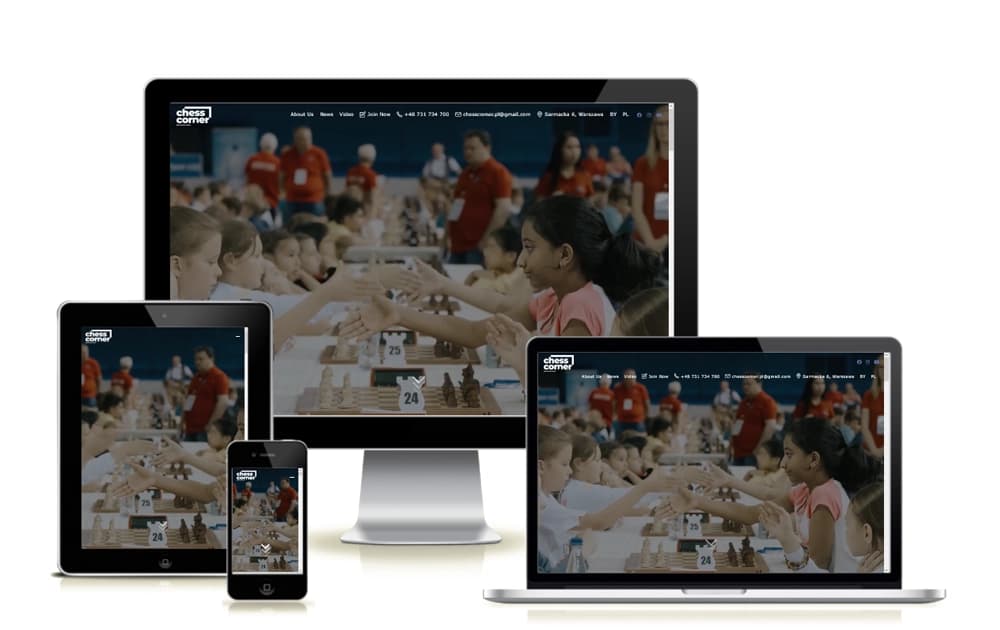
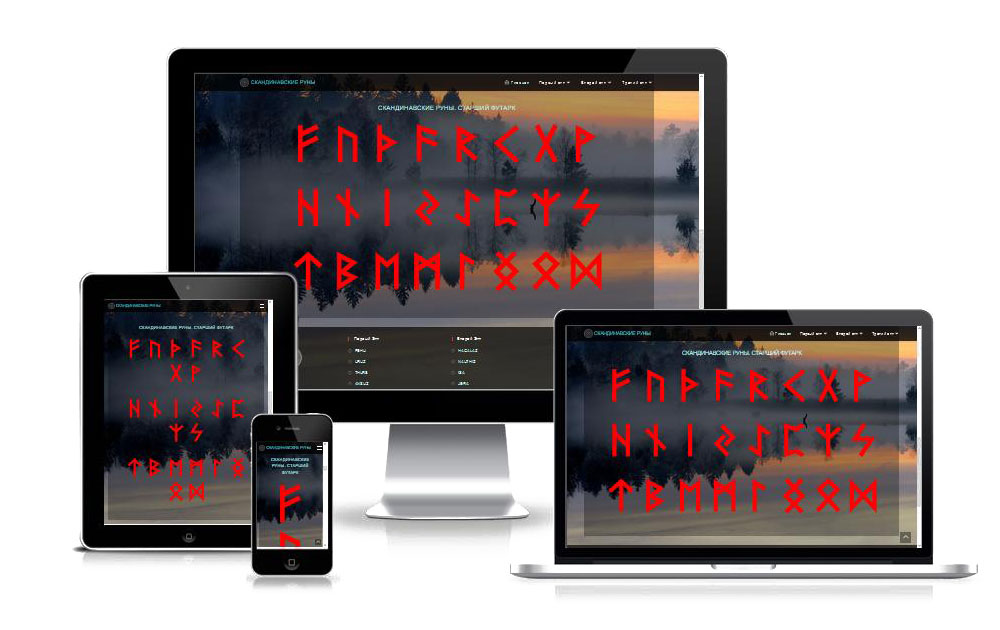
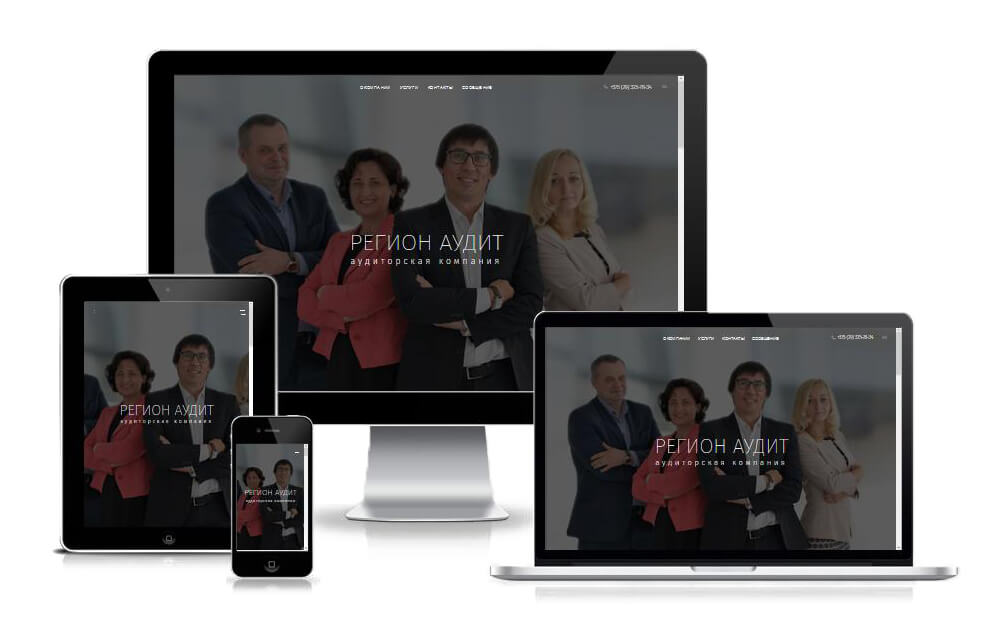
- Custom Website Builds – Responsive, SEO-optimized sites for US businesses
- Plugin Development Cases – Scalable WordPress extensions with clean OOP architecture
- Performance Optimization Guides – Speed and security best practices for WordPress
Web Development FAQ
Q: What technologies do you use for web development?
A: WordPress, PHP, JavaScript (native), MySQL, and modern build tools following WordPress Coding Standards.
Q: Do you offer custom plugin development?
A: Yes, I build tailored WordPress plugins with OOP architecture, focusing on scalability and backward compatibility.
Q: Can I see live examples of your work?
A: Browse the Websites category for case studies with technical breakdowns and performance metrics.
Q: Do you provide support for your plugins?
A: Yes, all plugins include documentation, and I offer premium support options for US-based clients.
How to Evaluate a WordPress Plugin for Your Project
Quick checklist to assess plugin quality before installation
Time: PT3M
Step 1: Check coding standards – Look for PSR-12 and WordPress Coding Standards compliance
Step 2: Review update frequency – Active maintenance indicates security awareness
Step 3: Test in staging – Always verify compatibility before deploying to production
Step 4: Audit database queries – Ensure efficient queries without N+1 problems
Step 5: Verify support channels – Confirm documentation and support availability