Introduction
The Astra Header Builder provides an intuitive way to create custom headers and footers for your WordPress site. Introduced in Astra 3.0, this visual builder is now a core feature, allowing you to design responsive layouts without coding.
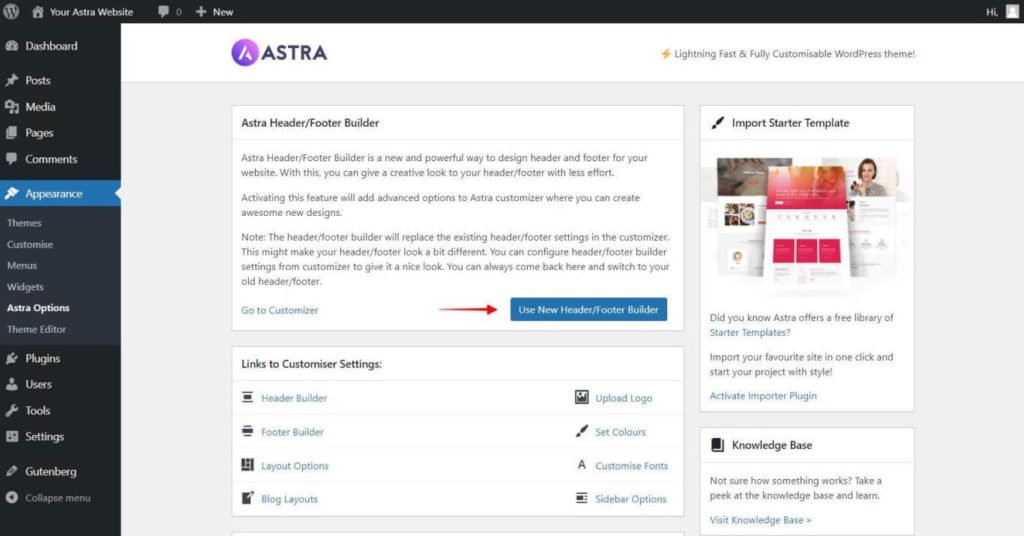
Getting Started The Header Builder is enabled by default in modern versions of Astra. If you do not see it:
- Navigate to Appearance > Astra Options.
- Ensure Header & Footer Builder is enabled.
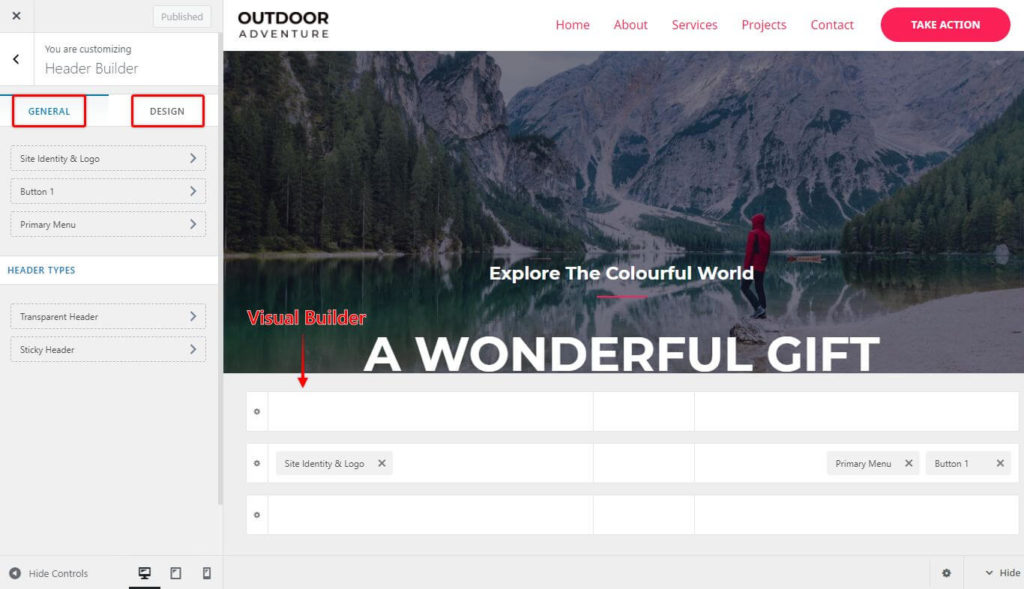
- Go to Appearance > Customize > Header Builder.
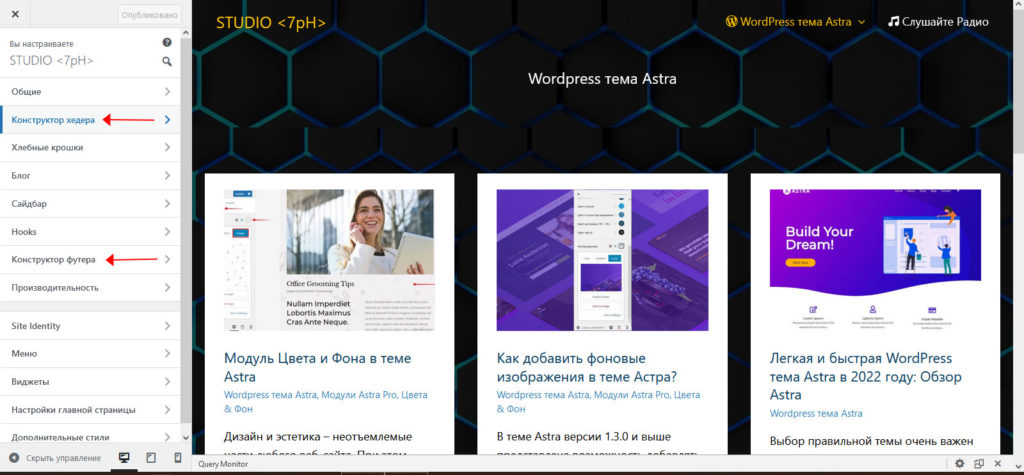
Header Builder Interface The builder consists of three main areas:
- Visual Builder: Preview rows (Above, Primary, Below) and drag-and-drop elements.
- General Tab: Configure behavior and content for selected elements.
- Design Tab: Adjust styling, colors, typography, and spacing.
Building Your Header
- Add Elements: Click the + (Plus) icon in any row to add elements (e.g., Logo, Menu, Button, Social Icons, HTML, Widgets).
- Arrange: Drag and drop elements to reorder them across rows.
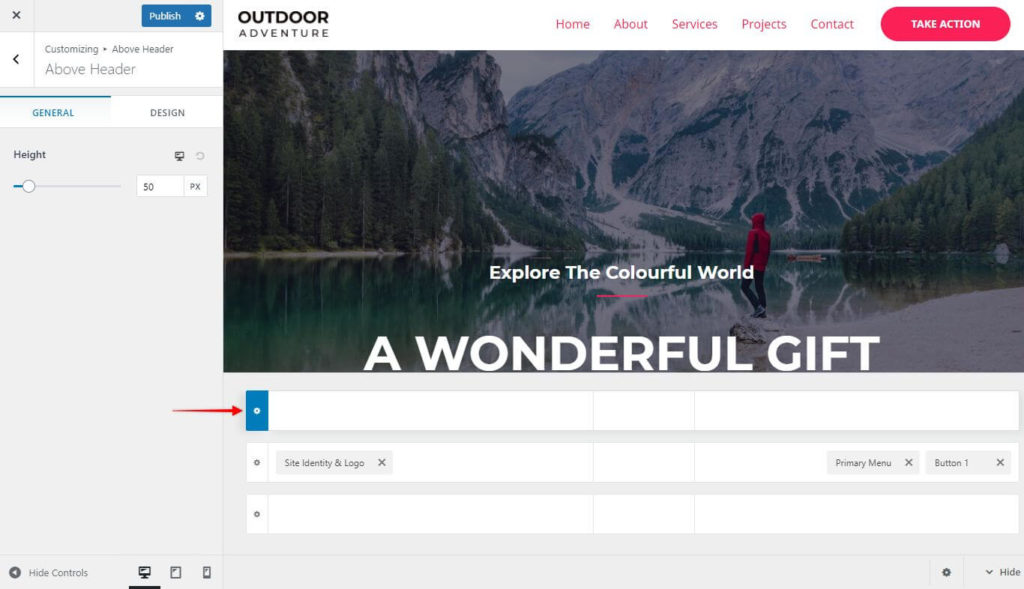
- Configure: Click the Gear Icon on any row to adjust height, width, and vertical alignment.
- Style Elements: Click on an element to access its General and Design settings.
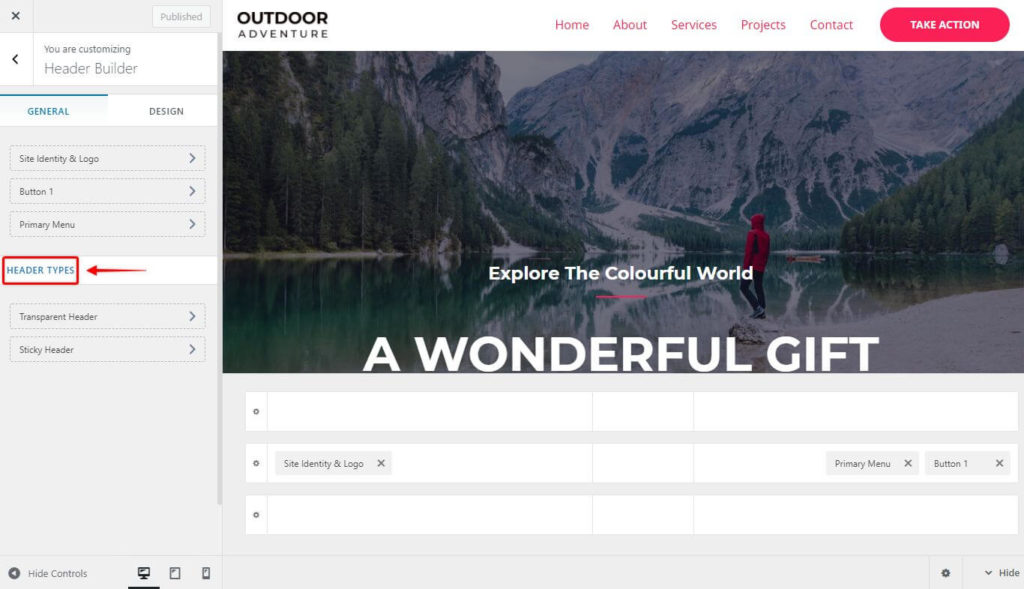
Header Types Astra supports multiple header variations:
- Standard Header: Visible on all pages.
- Transparent Header: Overlays content (Available in Free).
- Sticky Header: Stays fixed on scroll (Available in Pro).
- Mobile Header: Dedicated layout for mobile devices (Available in Pro).
Free vs. Pro Elements
- Free Version: Includes Logo, Menu, Button, HTML, Widgets, Search, Social Icons, Off-Canvas Toggle.
- Pro Version: Unlocks Advanced Menu, Account Menu, Language Switcher, Multiple Sticky Headers, Mobile Header Customization, and extended element limits.
Note
Some elements (e.g., WooCommerce Cart, EDD Cart) require the respective e-commerce plugins to be active.