Introduction
Design and aesthetics are core components of any website. While the free version of Astra includes essential color settings, the Colors & Background module (available with Astra Pro) unlocks advanced control over your theme’s visual identity.
Prerequisites
To access these features, ensure you have the following installed and active:
- Astra Theme
- Astra Pro Addon plugin
How to Enable the Colors & Background Module
Follow these steps to activate the module and access advanced settings:
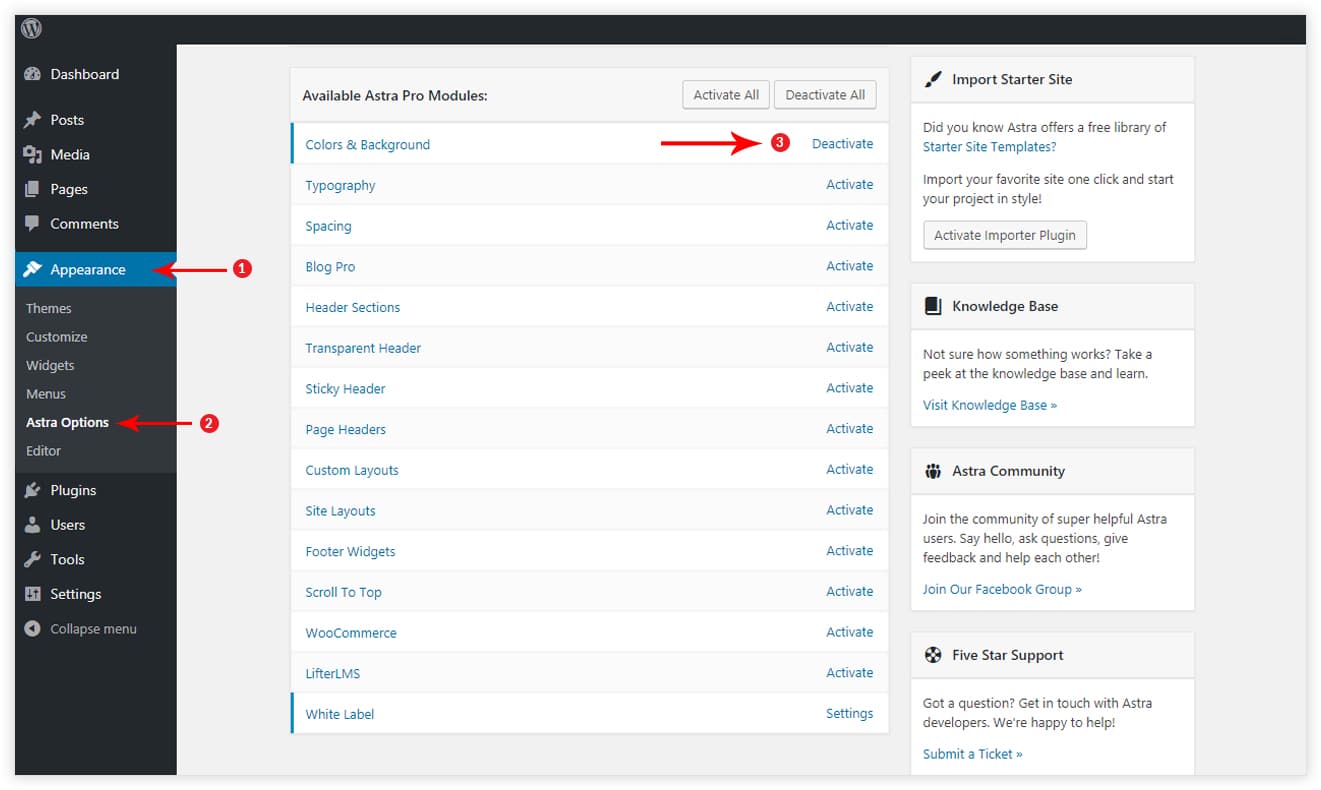
- Navigate to Astra Options: Go to Appearance > Astra Options in your WordPress Dashboard.
- Activate the Module: Locate the Colors & Background module and toggle it on.
- Access Settings: Once activated, new color options will appear in the Customizer (Appearance > Customize).
Available Color Settings
Enabling this module extends the Customizer with the following sections:
- Global > Colors
- Header Builder > Site Title & Logo
- Header Builder > Primary Header
- Header Builder > Primary Menu
- Blog > Blog / Archive
- Blog > Single Post
- Sidebar
Global Colors Overview
The free Astra theme provides basic global color settings. Astra Pro extends this with:
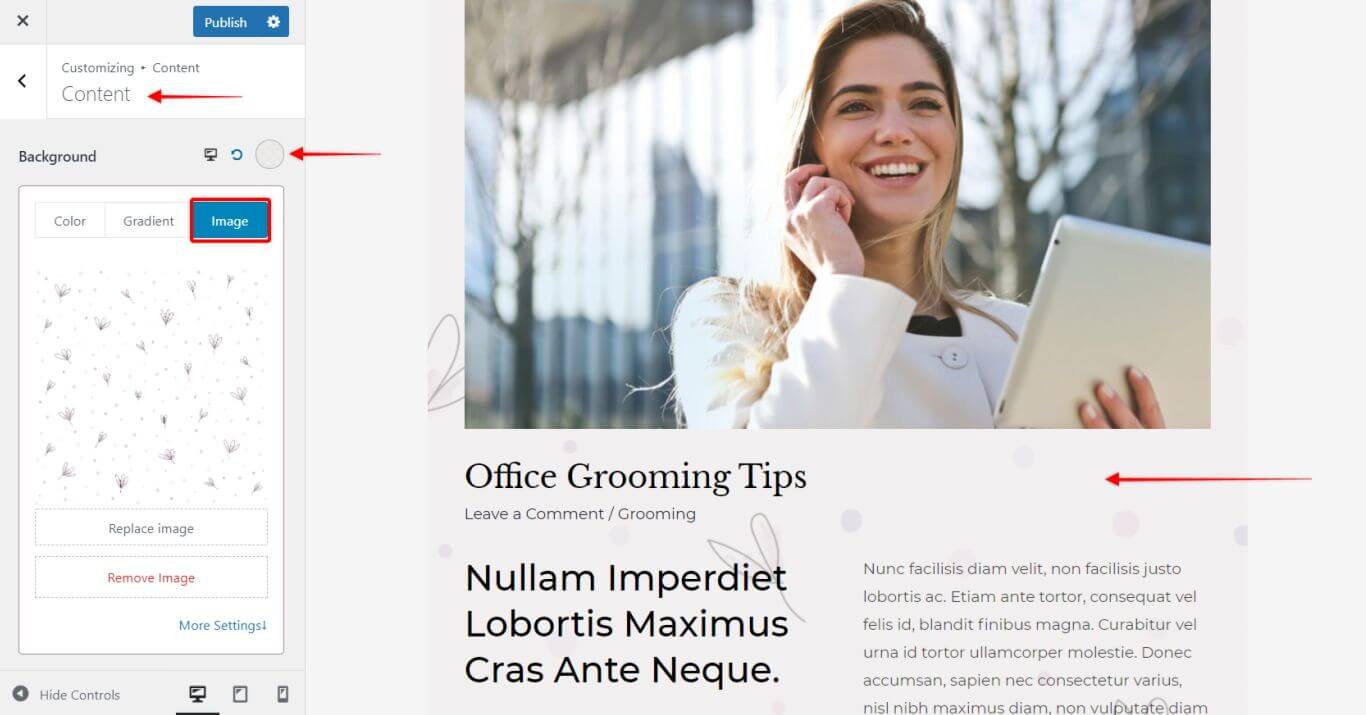
- Content Background: Apply background colors or images to the content container (the area where text resides).
- Note: This setting is visible only when using Boxed or Content Boxed container layouts.
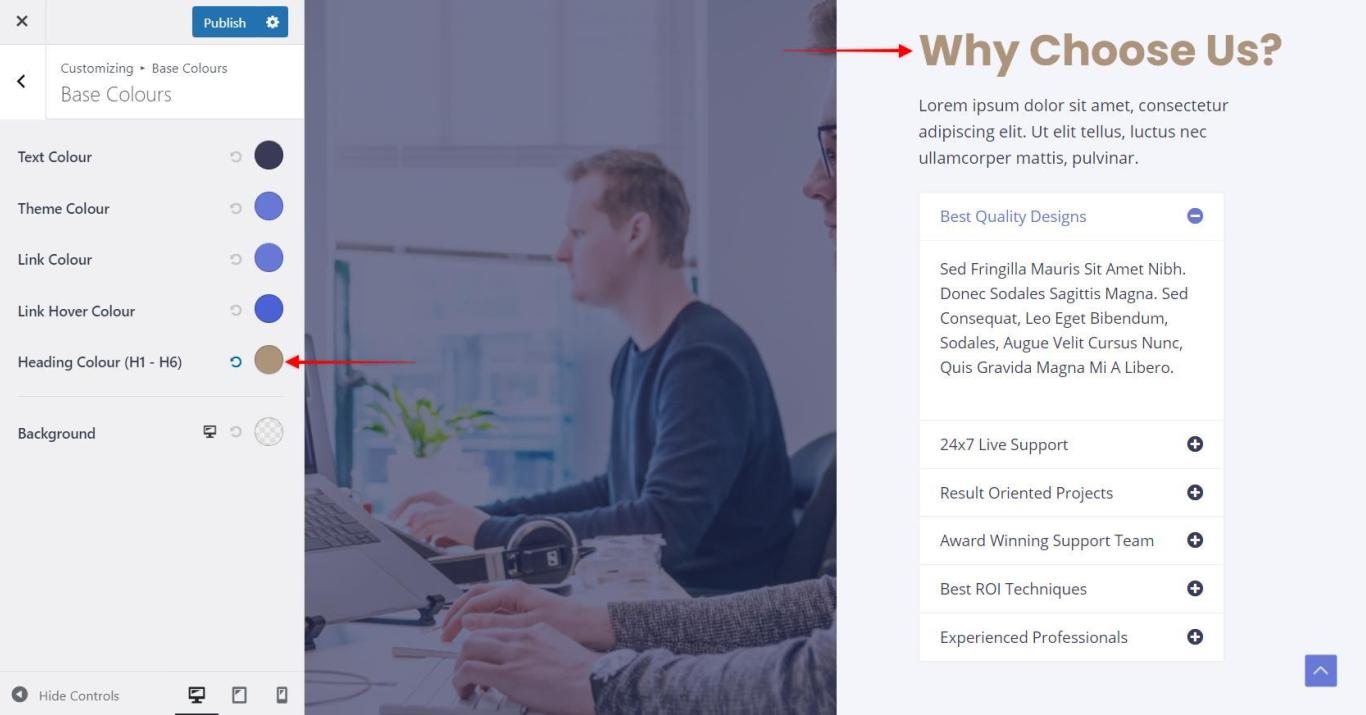
- Headings: Set specific colors for all heading tags (H1–H6) from a single panel. Responsive controls are included for content backgrounds.
Header Customization
Detailed color controls are available within the Header Builder tab:
- Site Title & Logo: Customize colors for the Site Title and Tagline.
- Primary Header: Set background and text colors for the main header section.
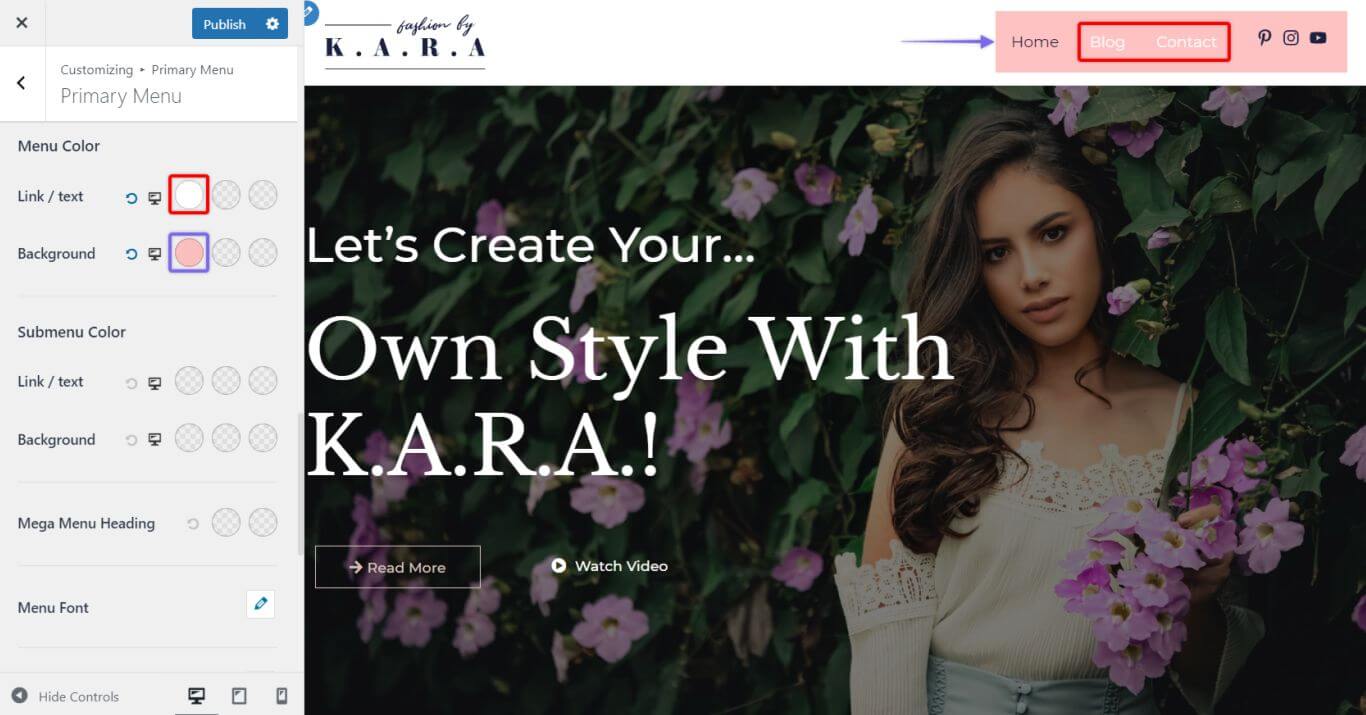
- Primary Menu: Control colors for menu items and submenus across different states:
- Normal
- Hover (when the cursor is over the item)
- Active (the current page being viewed)
Tip: For a complete guide on layout structure, see our publication: How to Design a Header with Astra Header Builder?
Blog & Archive Settings
Gain granular control over blog sections:
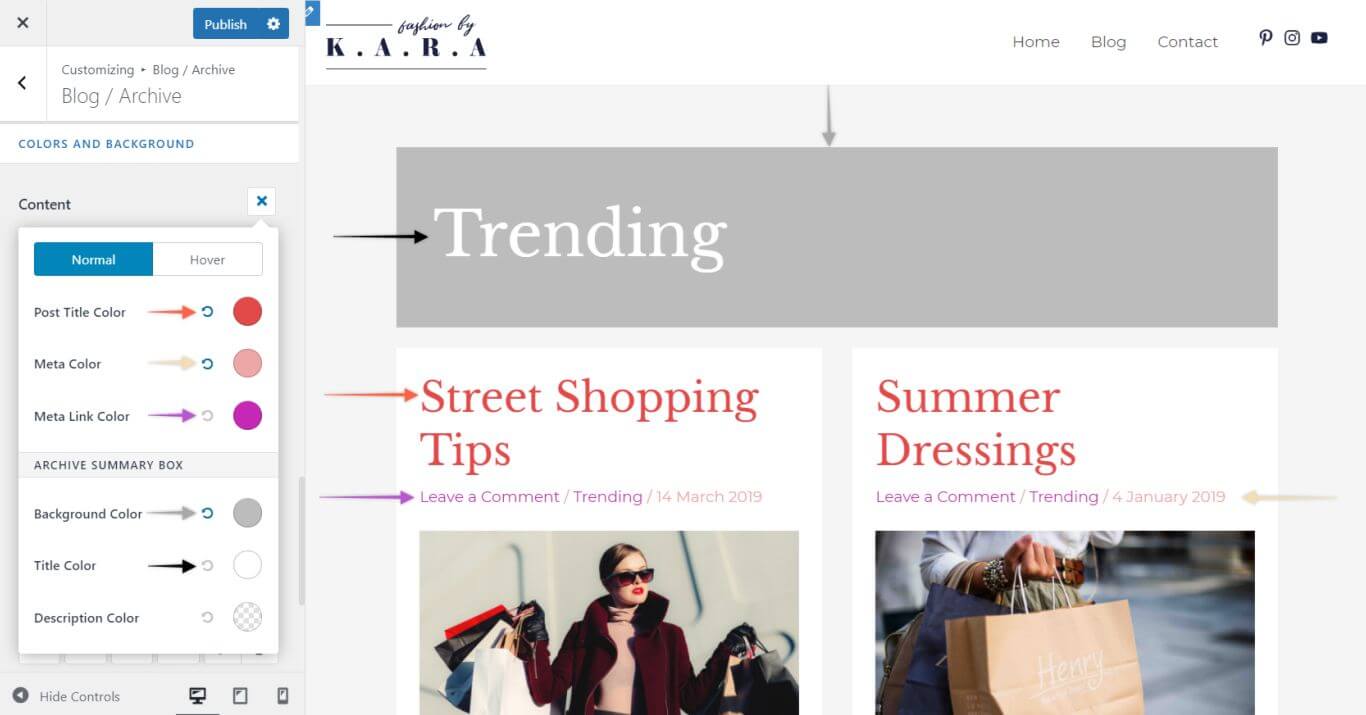
- Blog / Archive: Customize the Background Color of the Archive Title Block, Archive Title Color, and Archive Description Color, alongside standard metadata.
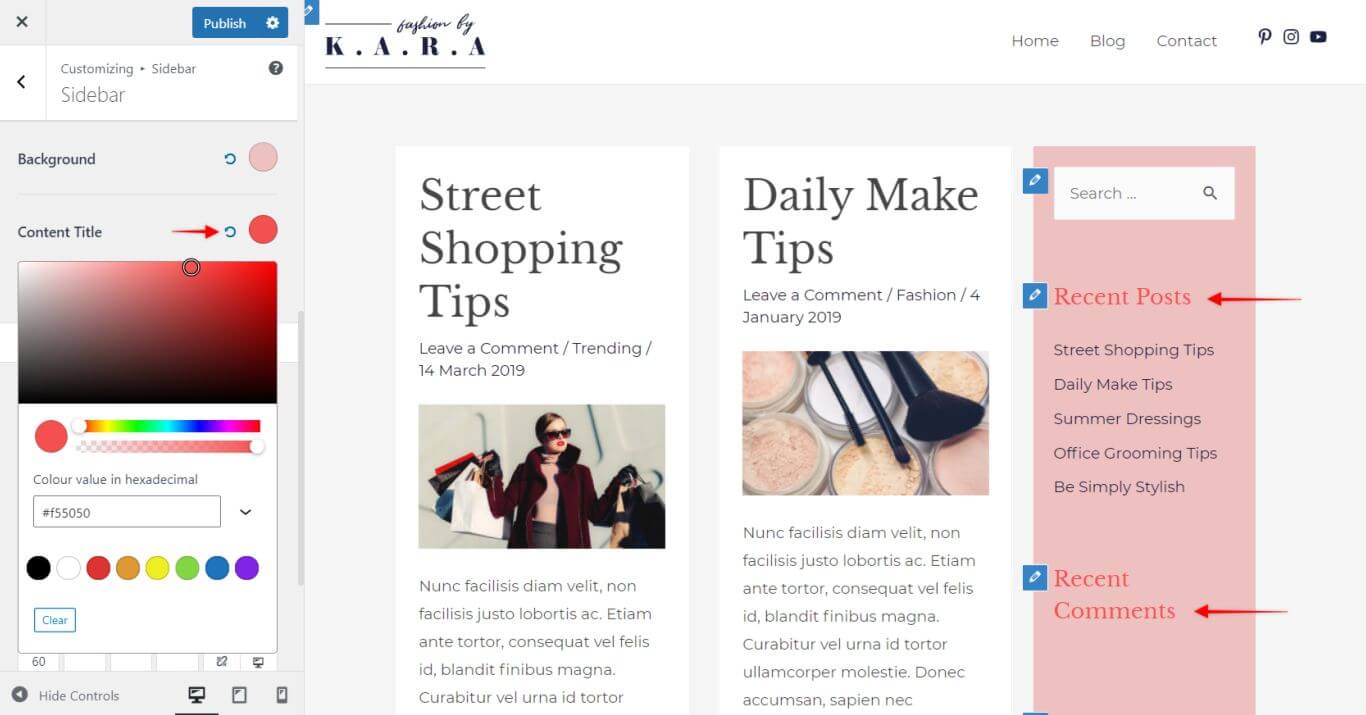
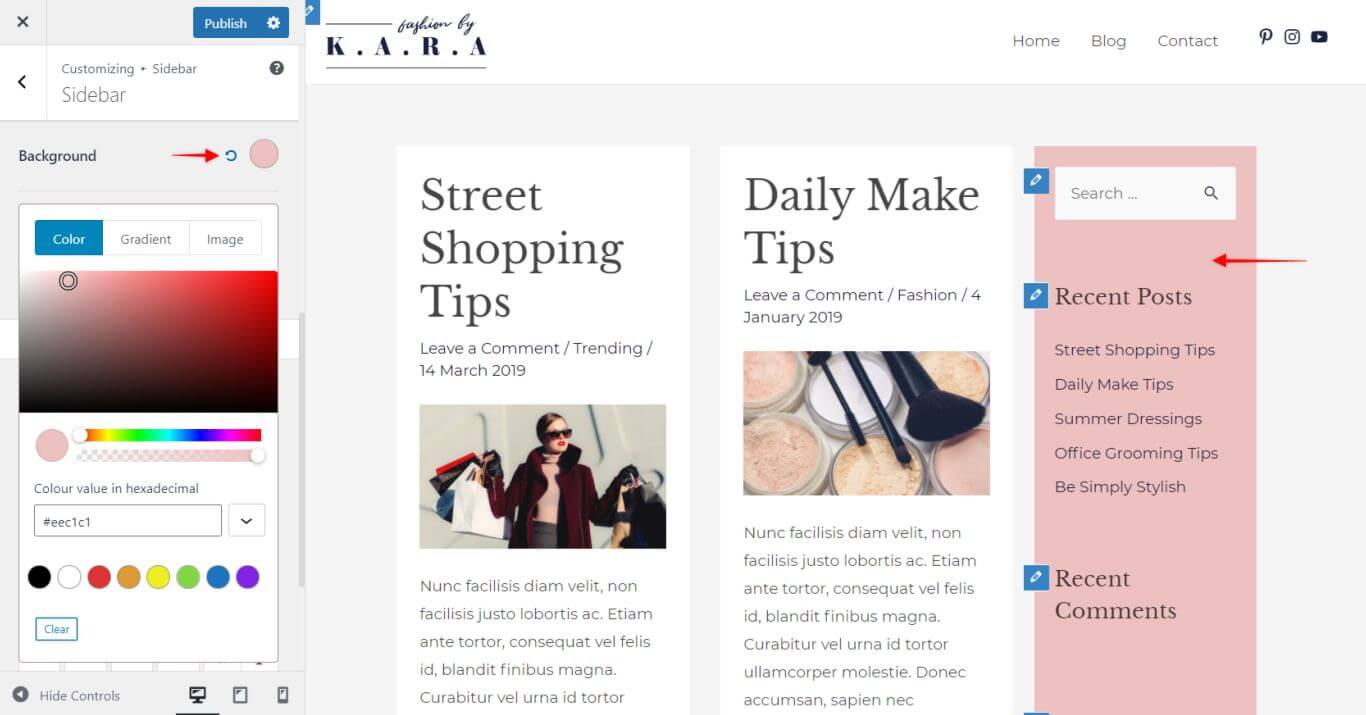
Sidebar Customization Full color control for the Sidebar includes:
- Widget Title Color
- Text Color
- Link Colors
- Background Options